Introduction
When people look for “the best” health insurance quote in the UAE, they often jump straight to price. But one of the biggest factors in whether a policy is truly good value is which hospitals and clinics you can actually use.
These are your network hospitals and network clinics. Understanding your network – and how to check it can save you money, reduce stress at claim time, and help you compare quotes properly.
Why Network Hospitals Matter for Your Health Insurance
Most UAE health insurance policies are network‑based. This means:
- The insurer has agreed prices and billing arrangements with specific hospitals, clinics and pharmacies.
- Visit a network provider and benefit from direct billingcthe provider bills your insurer, and you only pay applicable co-pays and non-covered expenses.
- When you go out of network, you may pay the full bill andWhen claim reimbursement later, or have no cover at all for that visit, depending on your plan.
So, two plans with similar premiums can offer very different real‑world value if one has the hospitals you trust and the other doesn’t.
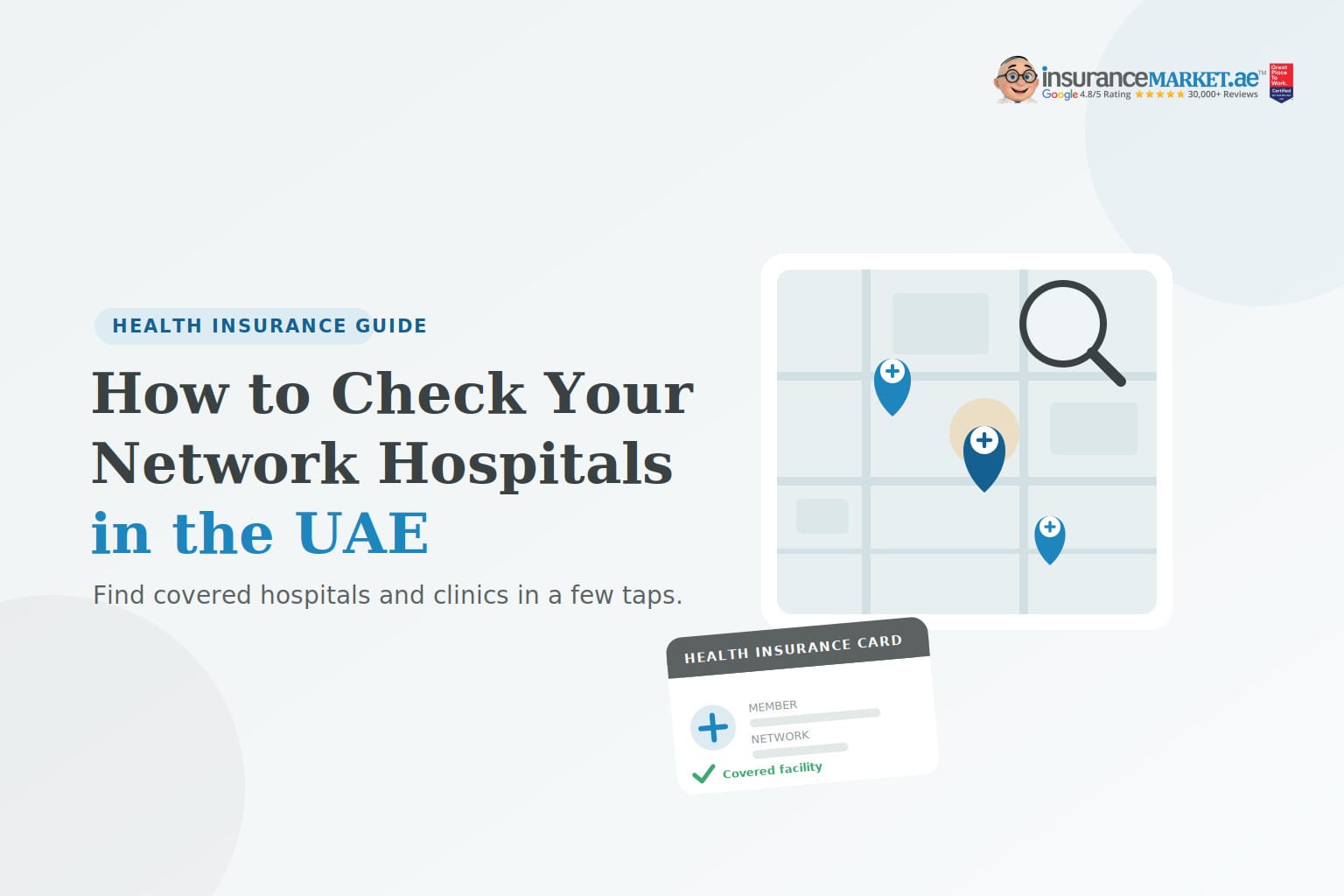
How to Check Your Network Hospital for Your Insurance
Whether you already have a policy or are comparing quotes, use these simple steps.
Step 1: Find the Network Name on Your Card or Policy
Look at your insurance card or policy schedule. You’ll usually see a network code or name for example: “Network A”, “Comprehensive”, “EBP”, etc. This document is important for you to search accurately.
Step 2: Use the Insurer’s Online Network Search
Most insurers in the UAE have a “Find a hospital/clinic” tool on their website or app.
- Go to your insurer’s website or open their app.
- Select Network / Provider Search.
- Enter or choose your network name, Emirate or city, Provider type such as hospital / clinic / pharmacy, Optional: speciality (e.g., paediatrics, cardiology).
- View or download the network hospitals and network clinics list.
Step 3: Use Comparison Platforms (Optional)
Platforms such as InsuranceMarket.ae often have a consolidated network hospital list tool:
- Select your emirate.
- Filter by insurer and plan/network.
- See all approved hospitals and clinics in one place.
This is especially useful when you’re comparing different insurers and networks side‑by‑side.
Step 4: Confirm Directly with the Hospital/Clinic
Before a planned visit, call the hospital or clinic, give them your insurer name and network exactly as shown on your card, and also ask if your plan is accepted for direct billing.
This extra step helps avoid surprises if the hospital only accepts certain sub‑networks from the same insurer.
Step 5: Save Your Favourites
Once you know your closest and preferred network providers, save them in your phone, share the list with your family, and use them consistently for non‑emergency care to keep your costs and paperwork low.
Frequently Asked Questions
1. How do I know which hospitals my insurance covers in the UAE?
2. Can I use any hospital in an emergency, regardless of network?
1. Most insurers will cover stabilization in emergency cases, even if the hospital is not in your usual network, subject to policy terms and local regulations.
2. After stabilization, you may be transferred to a network facility.
Always check your policy for the exact emergency rules and any conditions.
3. Does my network change if I upgrade my health insurance plan?
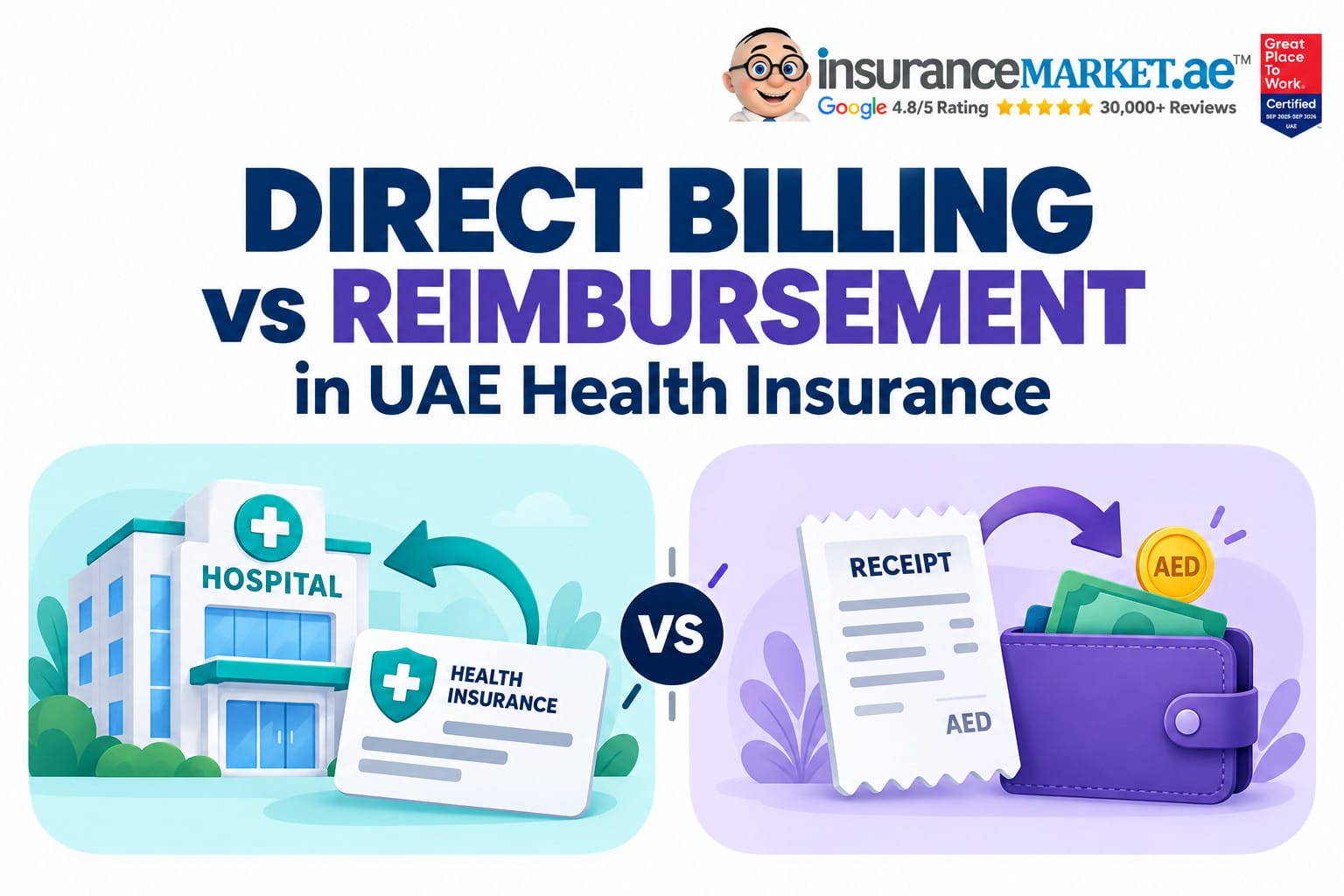
4. What’s the difference between direct billing and reimbursement?
You show your card at a network hospital/clinic.
The provider bills the insurer directly for covered services.
You pay only co‑pays and non‑covered items.
2. Reimbursement
You pay the full bill yourself first.
You submit invoices, receipts and medical reports to the insurer.
If eligible, they refund part or all of the cost according to your policy.
Network hospitals support direct billing. Out‑of‑network providers, where allowed, usually work on a reimbursement basis.
Conclusion
Network hospitals and clinics are at the heart of how health insurance works in the UAE. Before you buy a policy or renew or upgrade take a few minutes to:
- Identify your network,
- Check which hospitals and clinics are included, and
- Confirm how direct billing works for your plan.
When you compare quotes with a clear view of the networks behind them, you stop shopping on price alone and start choosing real‑world value for you and your family.
If you’d like help checking network hospitals for multiple insurers at once, or want to match a plan to the hospitals you already trust, expert advisors at InsuranceMarket.ae can do that for you in minutes.